1. Print and prepare
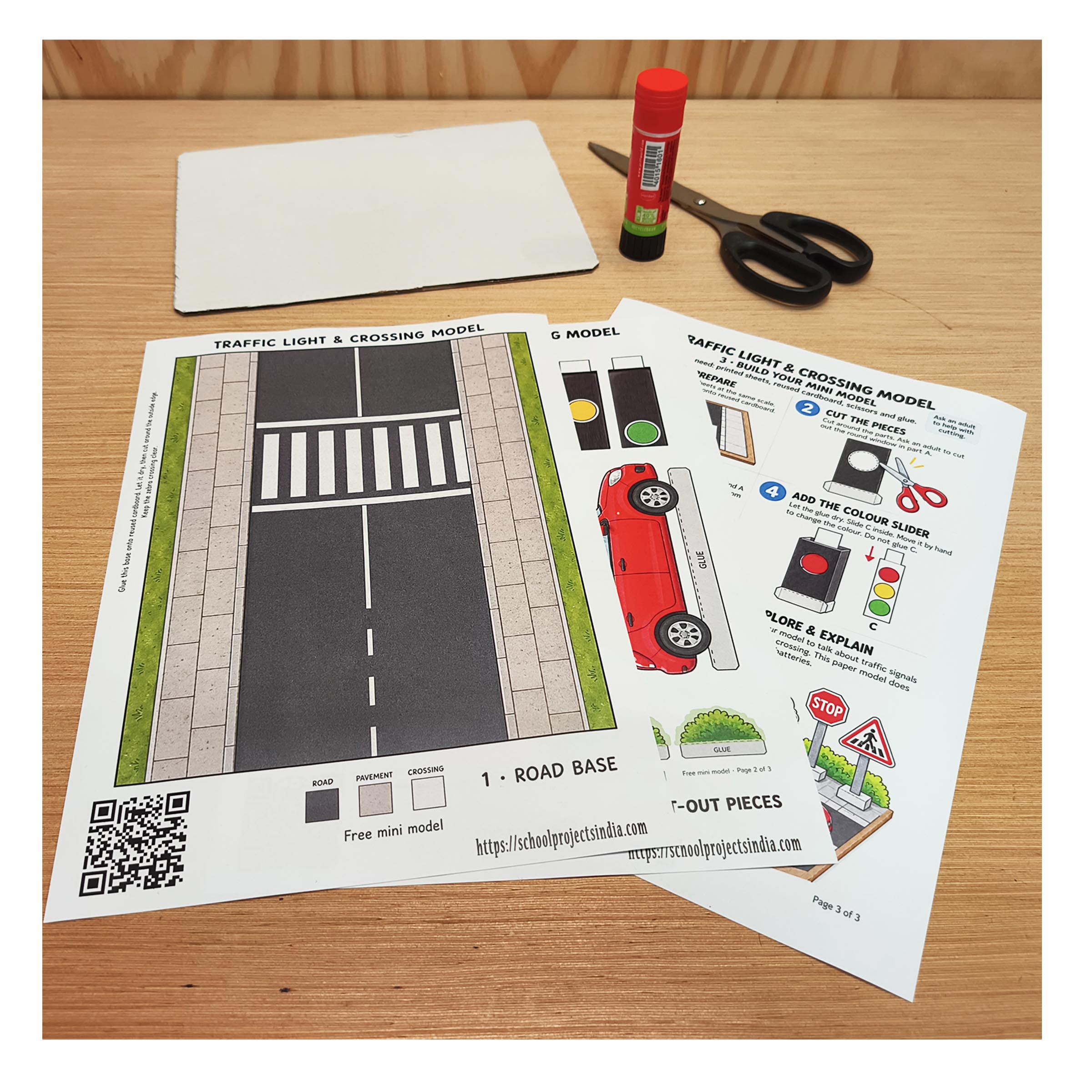
Print all sheets at the same scale, following the PDF’s printing instructions. Gather your cardboard, scissors and glue.
Print, cut and build a small paper street with a traffic light, zebra crossing, car and schoolchildren. This free traffic light model project combines a hands-on paper craft with a road safety activity for kids.
Download the Free PDFFree PDF · 2.17 MB · No checkout or account needed
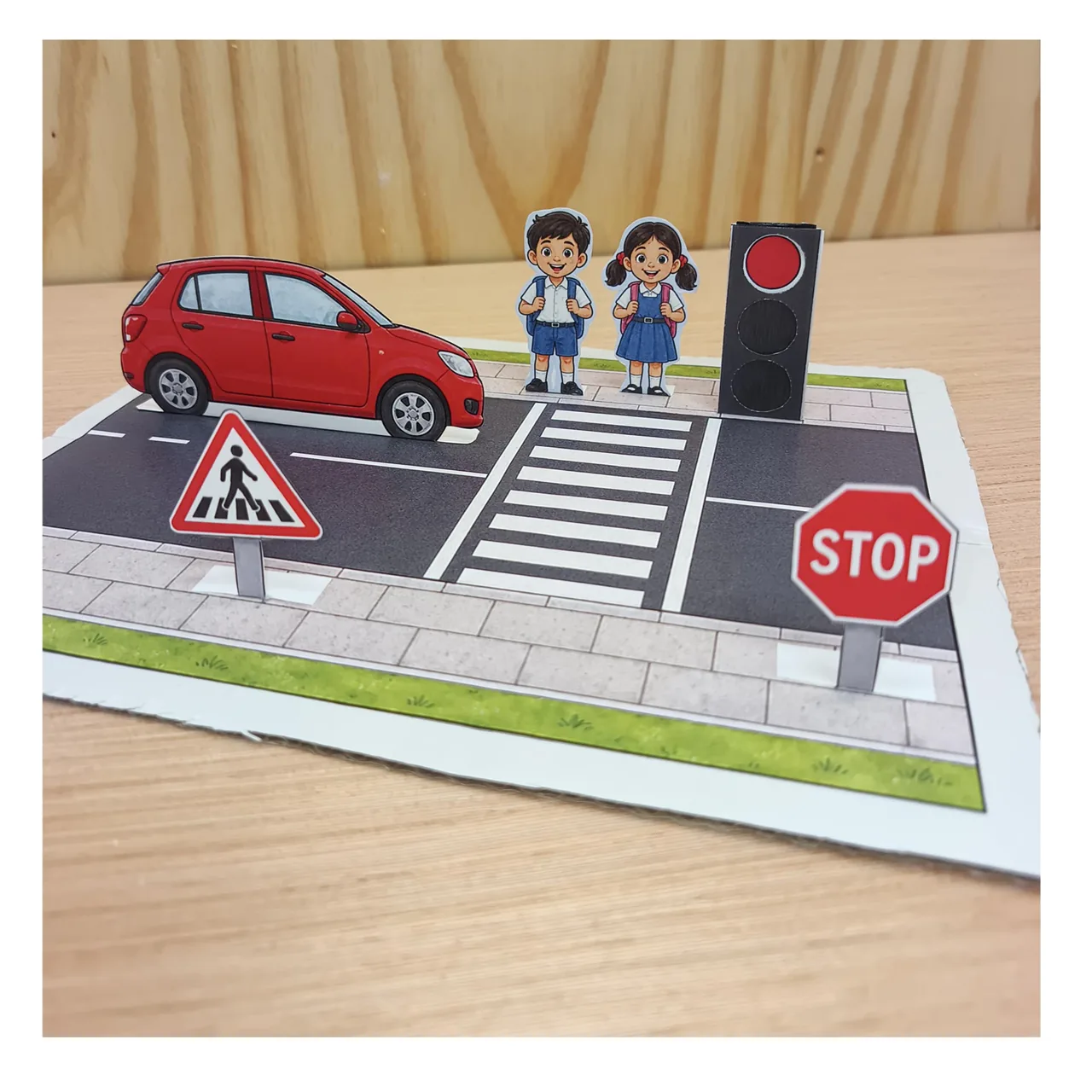
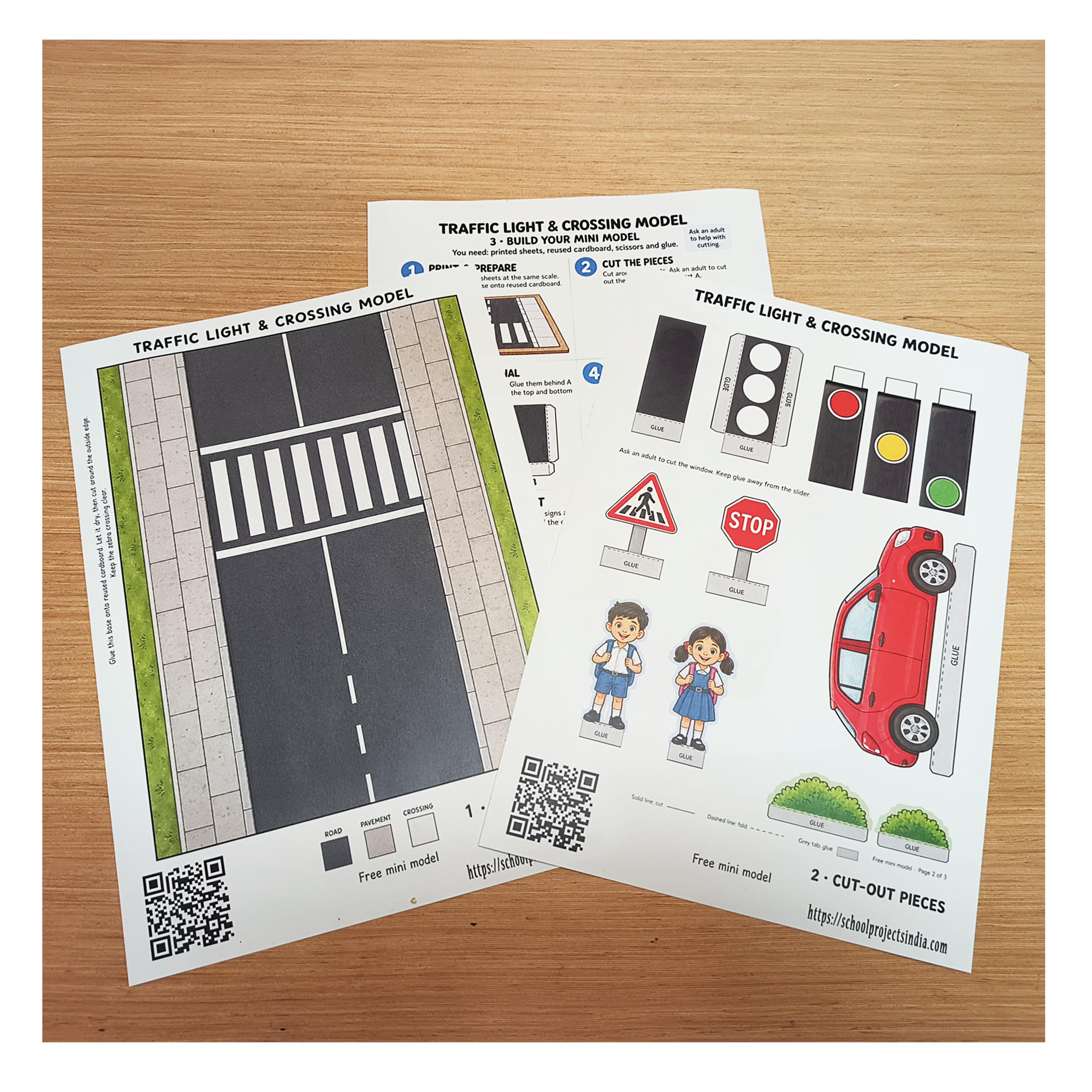
The complete printable kit comes in one PDF: a road base, traffic light housing with red, yellow and green inserts, two children, a red car, road signs, bushes and illustrated building instructions.
Download the Free PDFThe PDF opens in a new tab. Use your browser’s download or save button to keep a copy.
This is an experimental free version. We may update the artwork and availability, so bookmark this page for the latest version.
You need the printed PDF, backing cardboard, scissors and glue. Reuse a piece of packaging card for the road base. Ask an adult to help younger children with cutting, especially the small circular openings. Tap any photo to open a larger version.
Print all sheets at the same scale, following the PDF’s printing instructions. Gather your cardboard, scissors and glue.
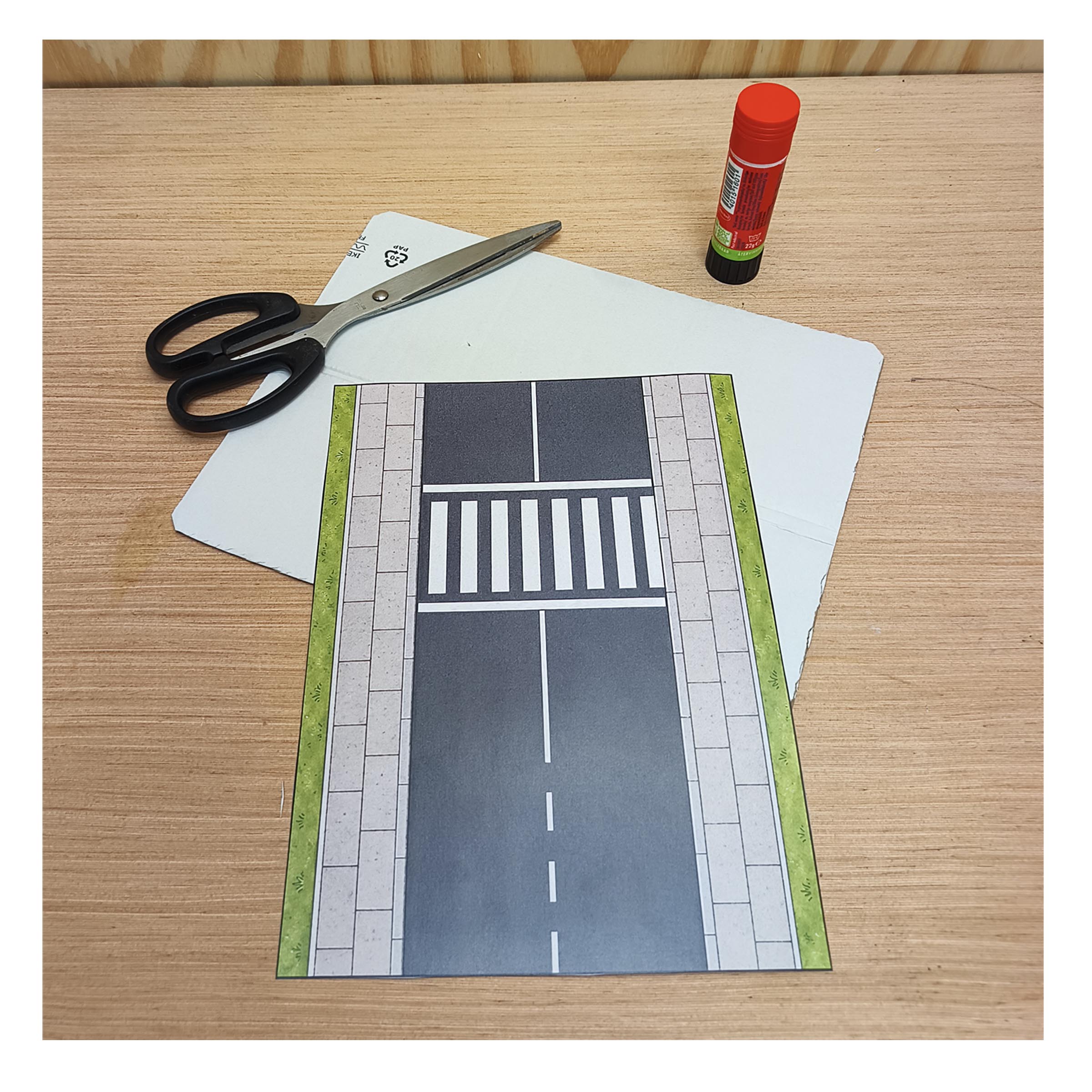
Trim the road sheet and glue it flat onto cardboard. Let the glue dry, then trim the backing around the outside edge.
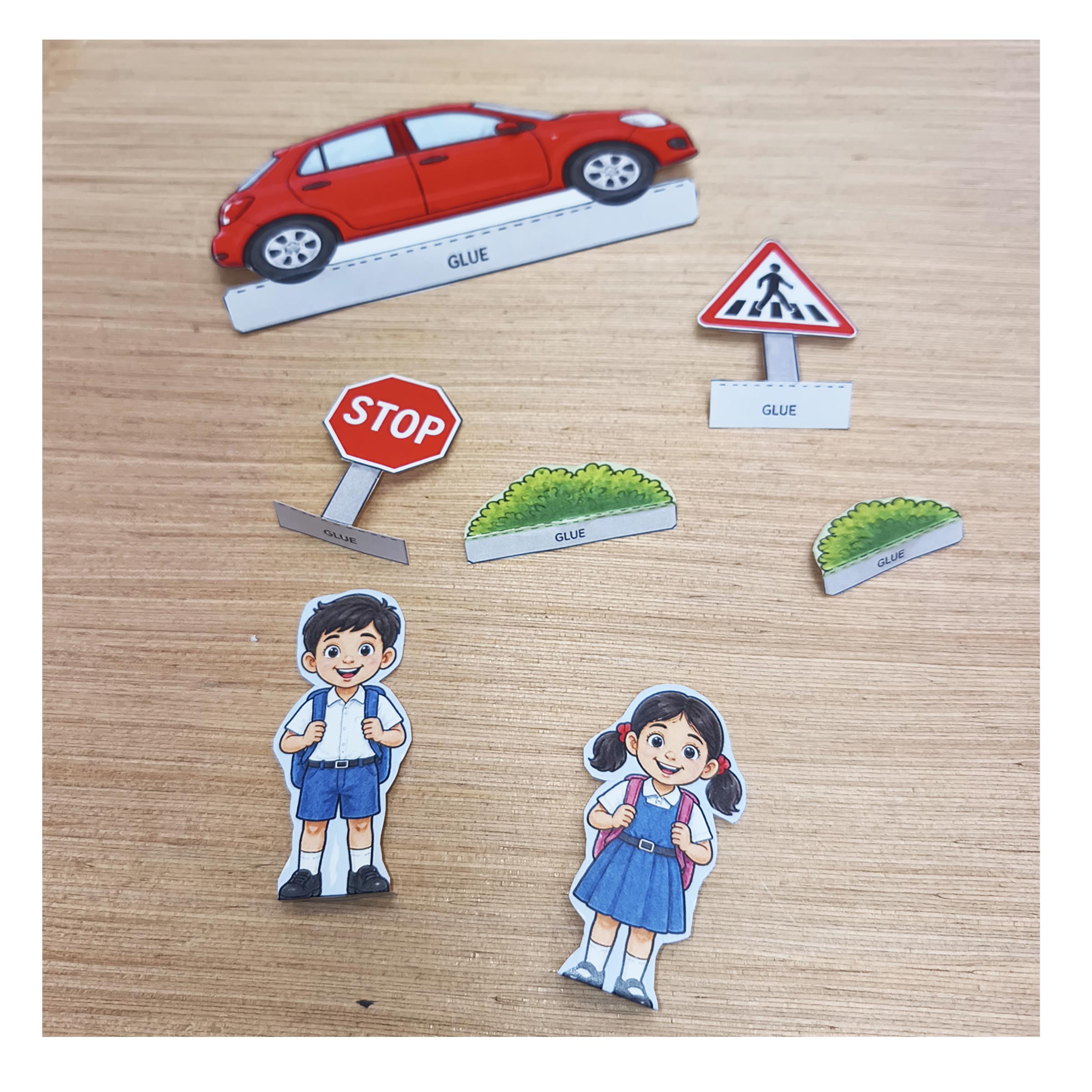
Cut around the car, children, signs and bushes. Keep the white glue tabs and fold them so the pieces can stand upright.
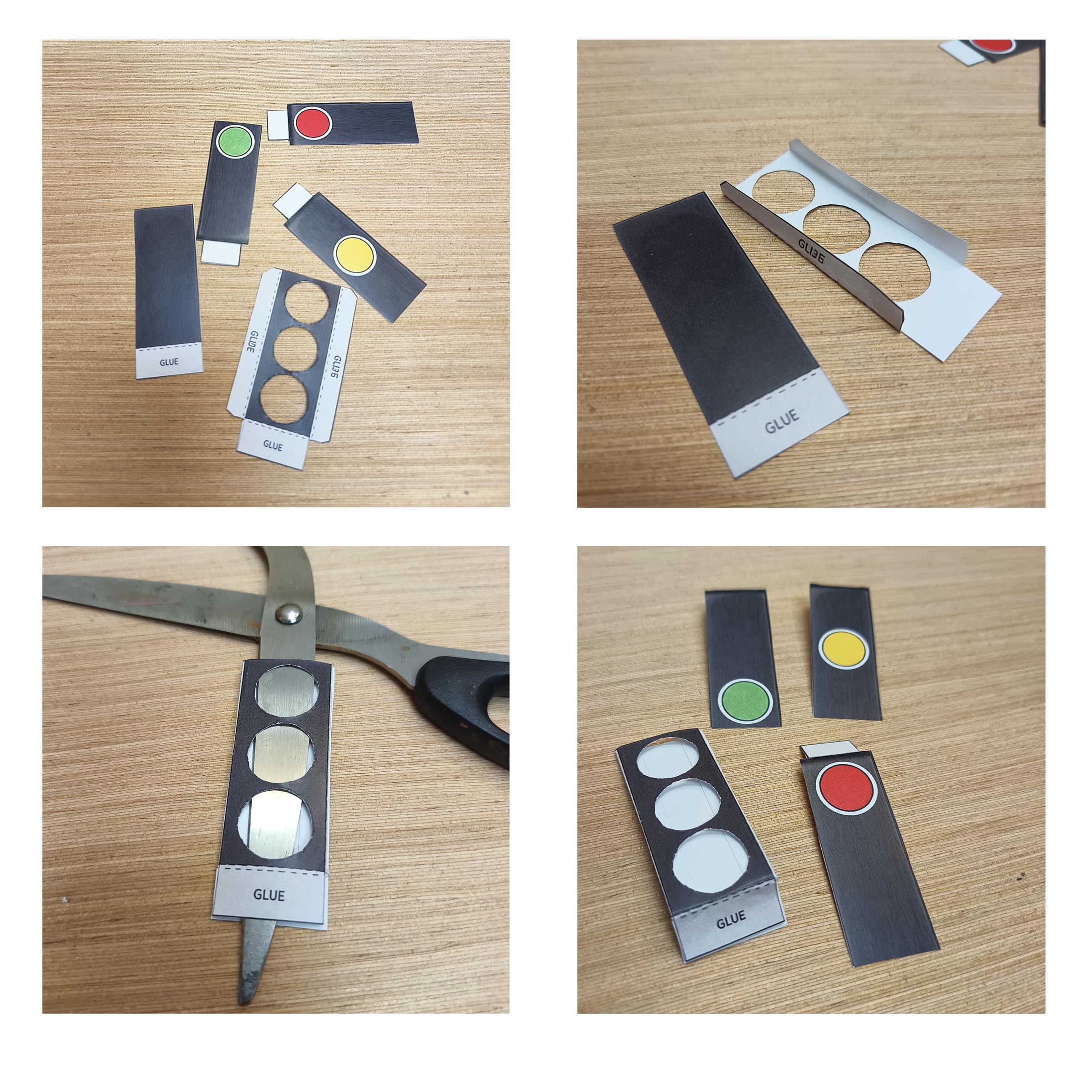
Cut out the housing and colour inserts. Carefully cut the circular openings, then fold and glue the housing as shown in the PDF. Keep the slot clear for the inserts.
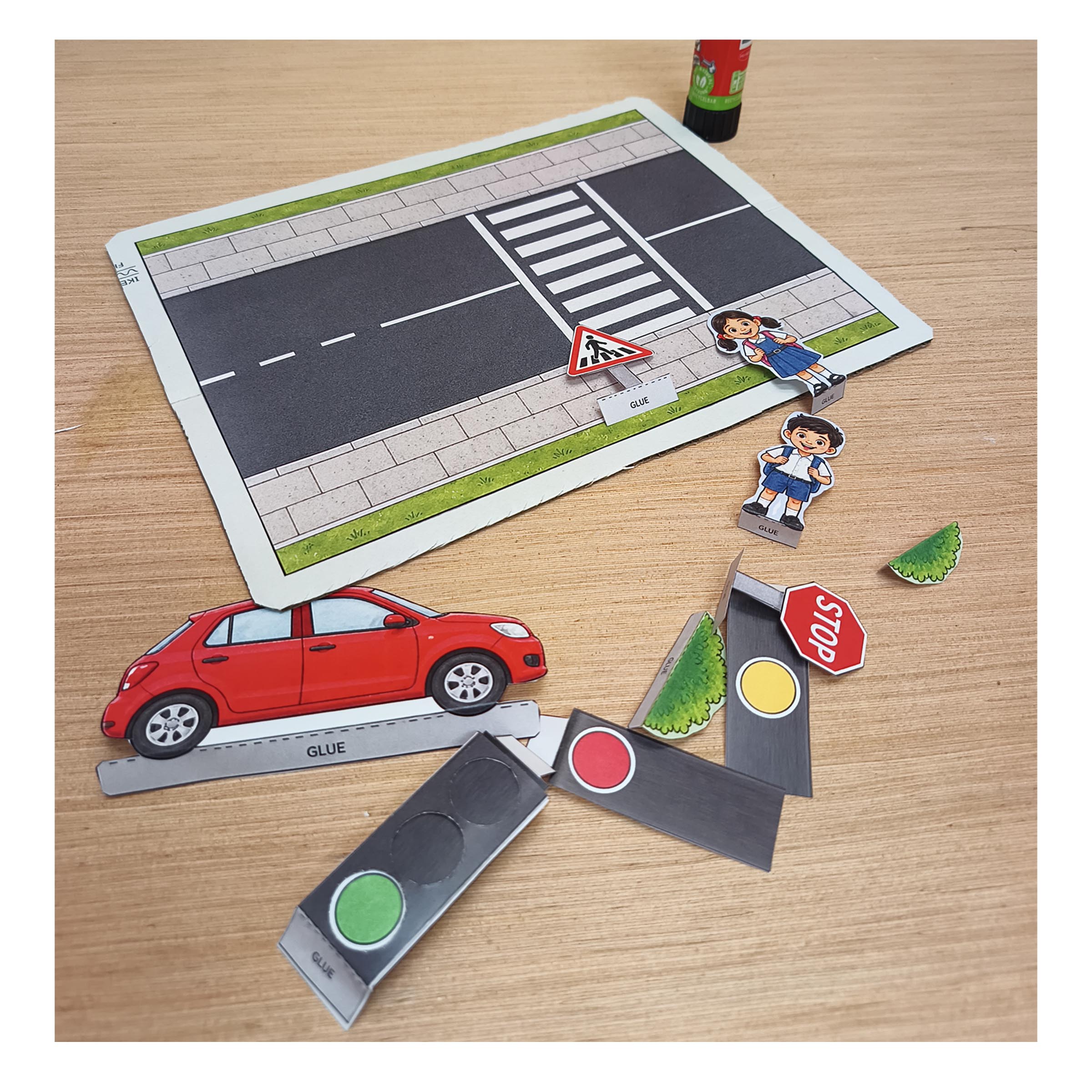
Place the traffic light beside the road and position the figures, car and signs. Keep the zebra crossing visible. Glue the tabs where you want the pieces to stay.
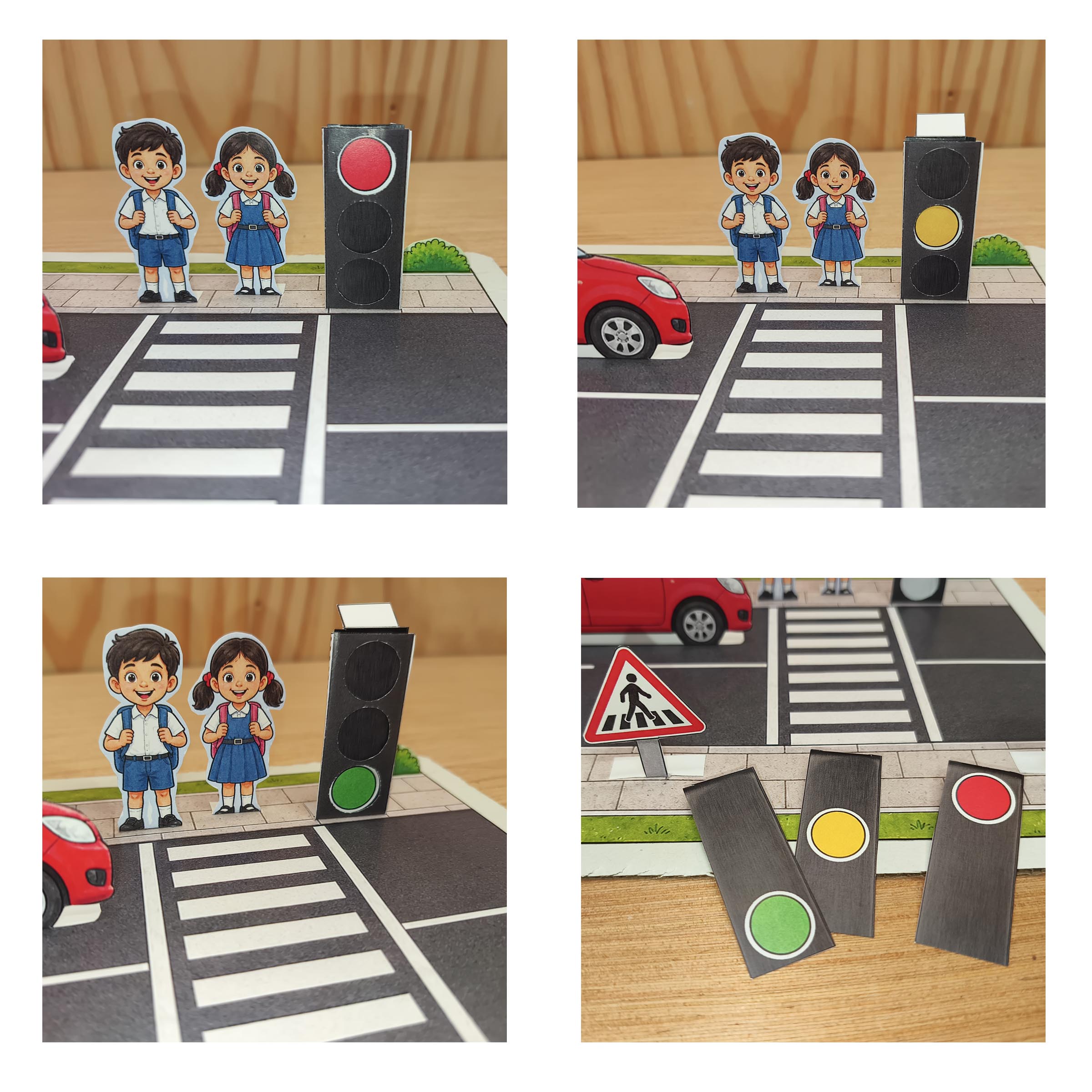
Swap the red, yellow and green paper inserts by hand. Use each colour to start a discussion about traffic signals. This model uses no electricity.
The standing paper pieces turn the flat road template into a small 3D traffic light model. Use it for a traffic signal model project, an EVS classroom activity or a paper craft session at home. Check your teacher’s assignment requirements before choosing your project.
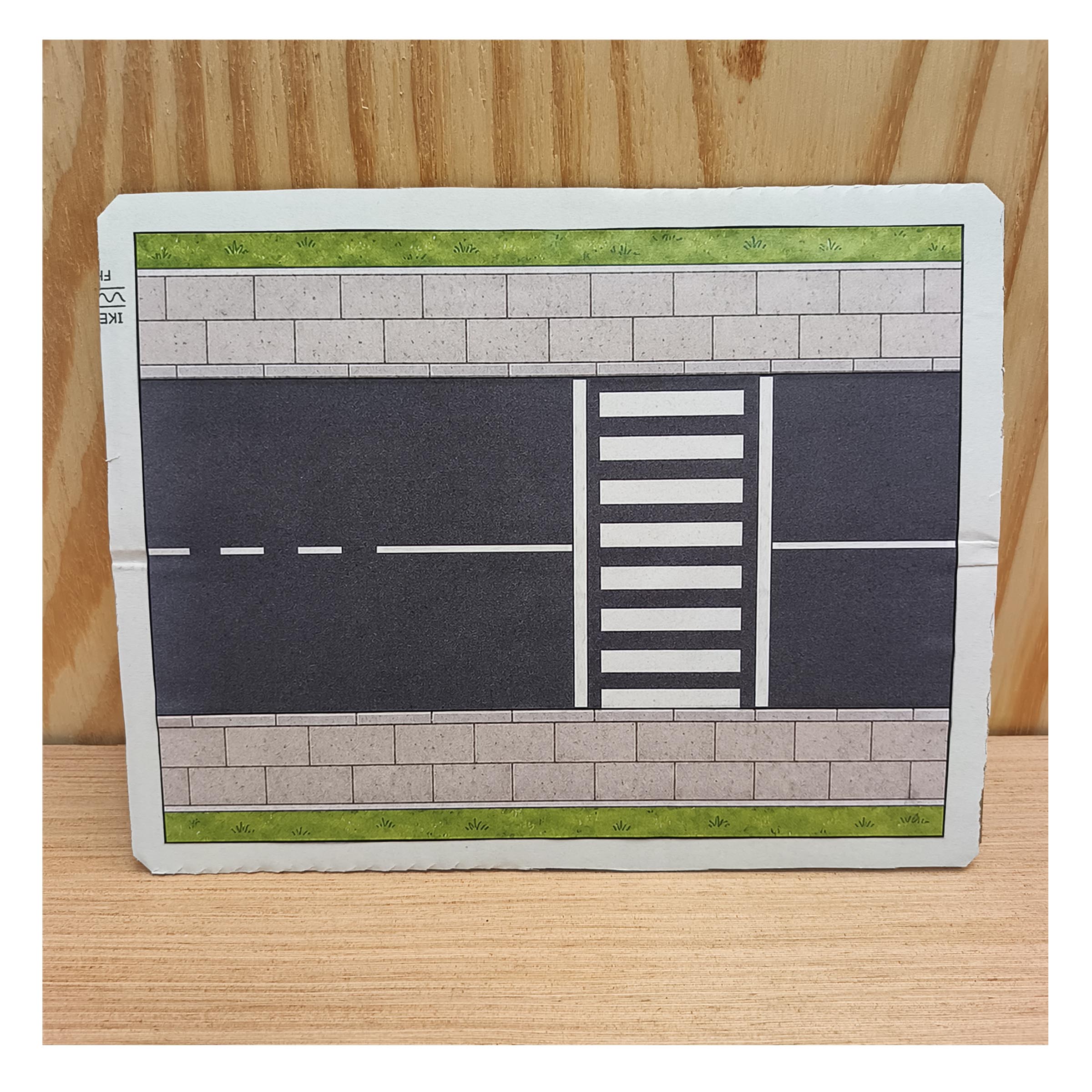
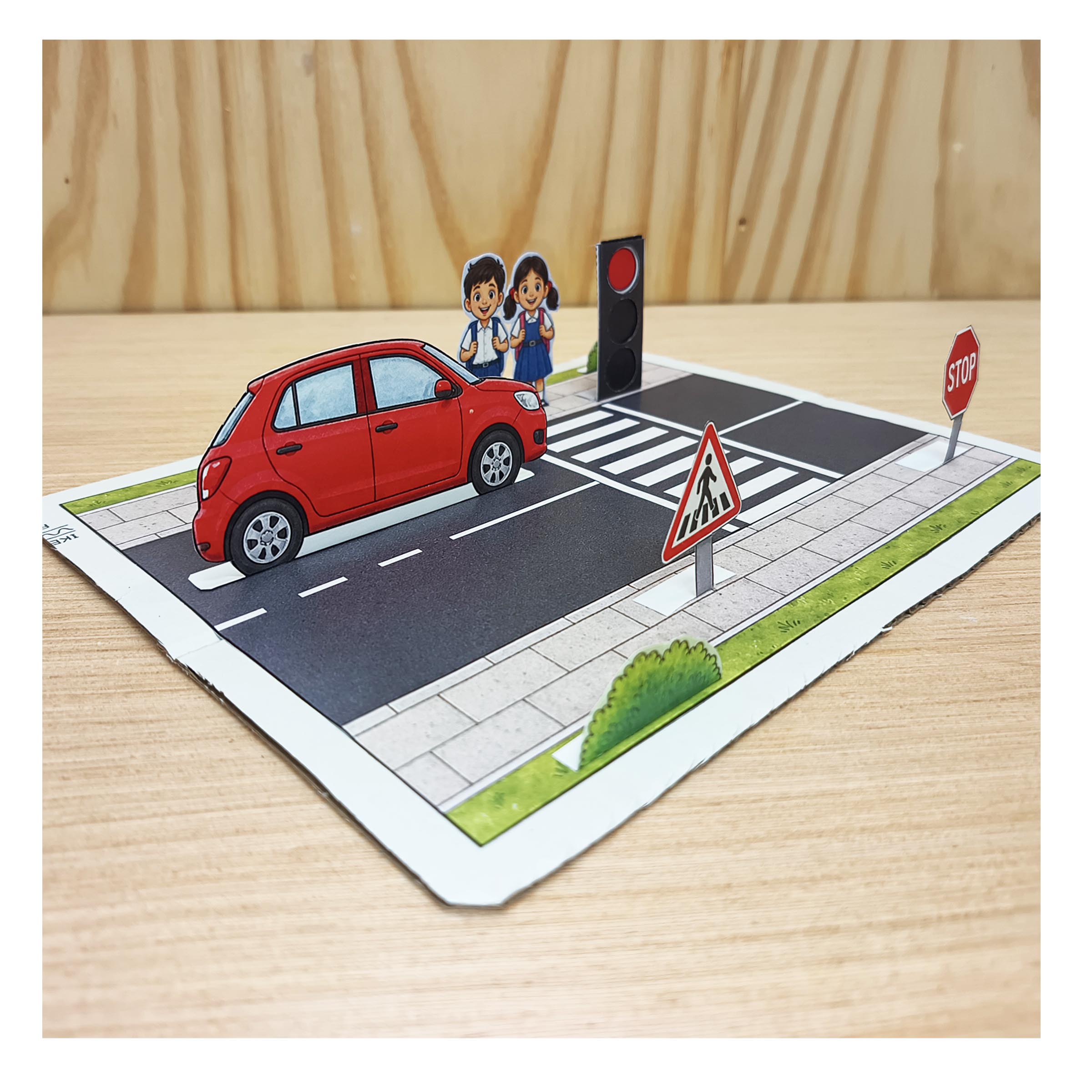
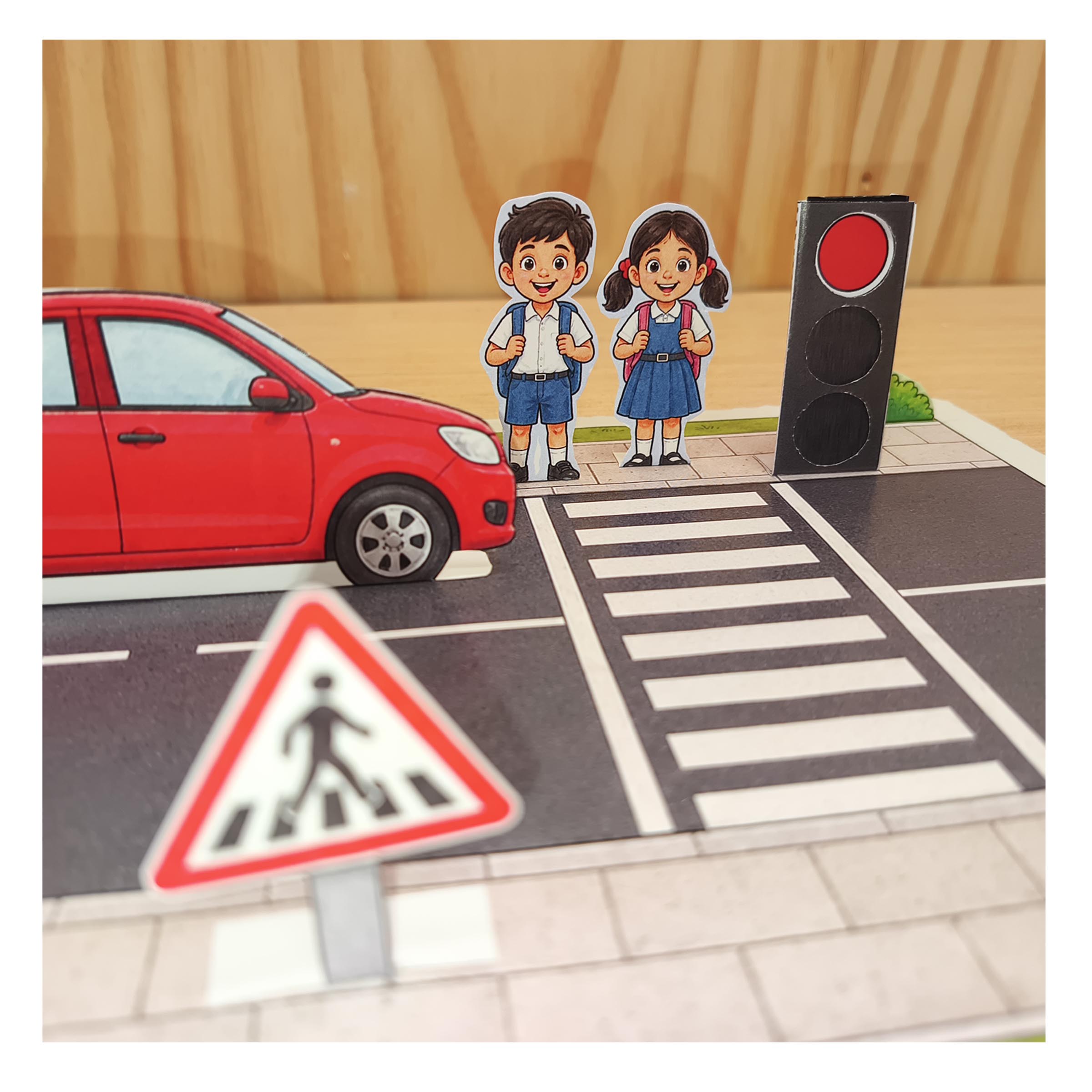
Use the model to help children identify the pavement, road markings, pedestrian crossing and signs. Parents and teachers can ask children to point to each feature and explain its purpose.
The three-colour signal represents a vehicle traffic light, not a pedestrian signal. A colour in this paper model is not an instruction for children to cross a real road. Use local road safety guidance and adult supervision when teaching real-world crossing skills.
“This is my paper traffic light model. I made the road base stronger with cardboard and used folded tabs to stand up the pieces. I can change the signal colours using paper inserts. My model also shows a zebra crossing, pavements and road signs to help us discuss road safety.”
This earlier preview shows the experimental project. Follow the current PDF and photo instructions above when building your version.
This free mini model is an experiment. Tell us what was easy, what was difficult and whether it helped explain the topic. We welcome tips from parents, teachers and families in India. The artwork and appearance may still change.
Yes. The road base, cut-out pieces, traffic light parts and illustrated instructions are included in one free download. No purchase or account is required.
You can demonstrate different signal colours by changing paper inserts manually. It is not an electronic working model: there are no LEDs, batteries or automatic colour changes.
Yes. Glue the printed road base onto reused cardboard for support. The upright figures and traffic light are assembled from the printed paper pieces.
It is designed for hands-on learning about traffic signals, crossings and road signs. Check the required topic and materials with your teacher.
This is an experimental version. We welcome feedback on the building steps, educational use and appearance, and may improve the artwork later.
Download the kit, gather your craft materials and follow the steps above.
Download the Free PDFEnjoyed this free paper craft? Explore our paid printable models for your next science or habitat project.
Ready for a bigger road safety project? Add a school, bookshop, park, vehicles, people and activity cards with the complete 9-page A4 Traffic Town PDF.
Explore Traffic Town – ₹299